


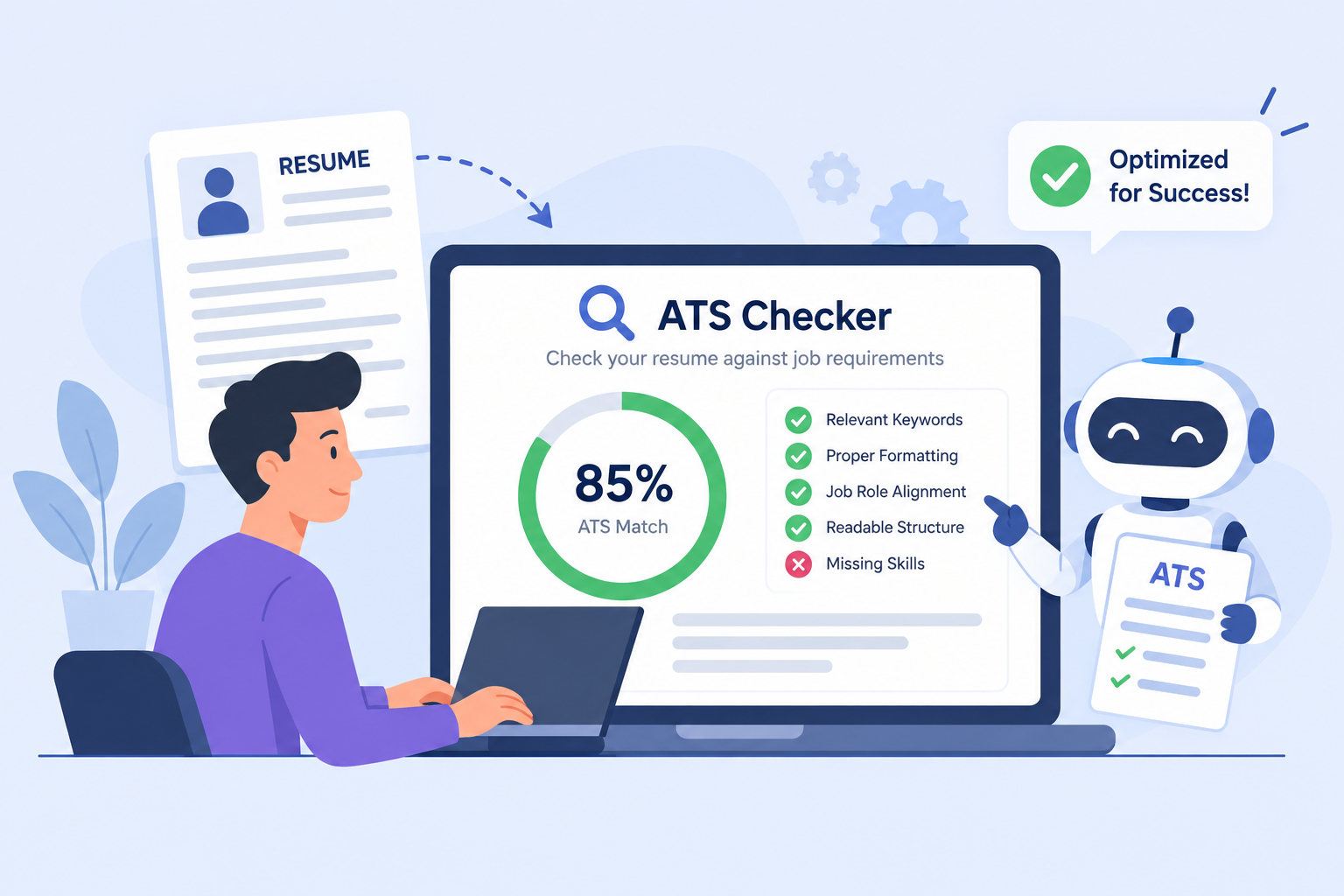
How to Beat the ATS Resume Checker in 2026
Did you know that over 75% of job applications are rejected before a human recruiter ever reads them?
Modern companies use Applicant Tracking Systems (ATS) like Workday, Greenhouse, Lever, and Taleo to automatically filter out candidate resumes. If your resume lacks the specific keywords, formatting, or structure expected by these algorithms, your application is dropped into the rejection pile.
In this guide, we break down exactly how ATS algorithms work in 2026 and how you can use BuildForJob’s AI ATS Checker to achieve a 95%+ match score every single time.
What is an ATS Resume Checker?
An ATS (Applicant Tracking System) is software used by recruiters to organize, search, and rank job applicants. When you upload your resume to a job portal:
- Parser Phase: The ATS parses your file (PDF or DOCX) into plain structured text.
- Keyword Extraction: It identifies skills, job titles, years of experience, and educational qualifications.
- Scoring & Ranking: It compares your extracted profile against the job description and assigns a Match Percentage Score (e.g., 40% vs 95%).
- Recruiter Dashboard: Candidates scoring above a threshold (typically 80%+) are highlighted at the top of the recruiter's list.
Top 5 Reasons Resumes Fail ATS Screening
1. Fancy Graphics & Complex Tables Multi-column layouts, icons, tables, and progress bar charts confuse ATS parsers. When an ATS encounters a complex table, it often merges text horizontally or skips sections altogether, resulting in missing skills.
2. Missing Exact Job Description Keywords If a job description requires "React Native, TypeScript, and CI/CD pipelines", writing *"Mobile app development with JavaScript"* won't trigger full credit in keyword matching algorithms.
3. Non-Standard Section Headers Stick to standard headers like "Work Experience", "Education", and "Skills". Creative headers like *"My Journey"* or *"What I Do"* can lead to miscategorization.
4. Incorrect File Types While modern ATS handle PDFs well, scanned images converted to PDF without selectable text cannot be parsed. Always use clean text-based PDFs or DOCX files.
7 Steps to Score 95%+ on ATS Screening with BuildForJob
Step 1: Extract Keywords from the Target Job Description Before submitting your resume, paste the target job posting into BuildForJob ATS Checker. Our AI automatically highlights hard skills, soft skills, tools, and certifications listed in the JD.
Step 2: Use Action Verbs & Quantified Metrics Instead of passive descriptions, format your bullet points with high-impact numbers: - Weak: *Responsible for improving website speed.* - Strong: *Engineered custom caching layers that reduced page load times by 42% for 500k+ monthly active users.*
Step 3: Match Job Title Conventions If the posting is for a "Senior Frontend Engineer", ensure your resume title explicitly says "Senior Frontend Engineer" at the top.
Step 4: Run Real-time ATS Scanning Using BuildForJob's ATS Checker, you can compare your draft against the job description in real-time. The tool will calculate your ATS Score (e.g. 40 → 97) and highlight missing critical keywords.
Summary Checklist for ATS Optimization
- [x] Simple, clean single-column or clean 2-column layout
- [x] Standard section headings (Experience, Skills, Education)
- [x] Exact keyword match with job description
- [x] Quantified achievements with numbers & metrics
- [x] Verified 90%+ score with BuildForJob ATS Checker
Ready to supercharge your job applications? Try BuildForJob ATS Checker for free today!